Generating and Printing Table QR Codes
Each table has its own QR code. Guests scan it with their phone to: - view the menu, - order themselves, - and pay from their phone.
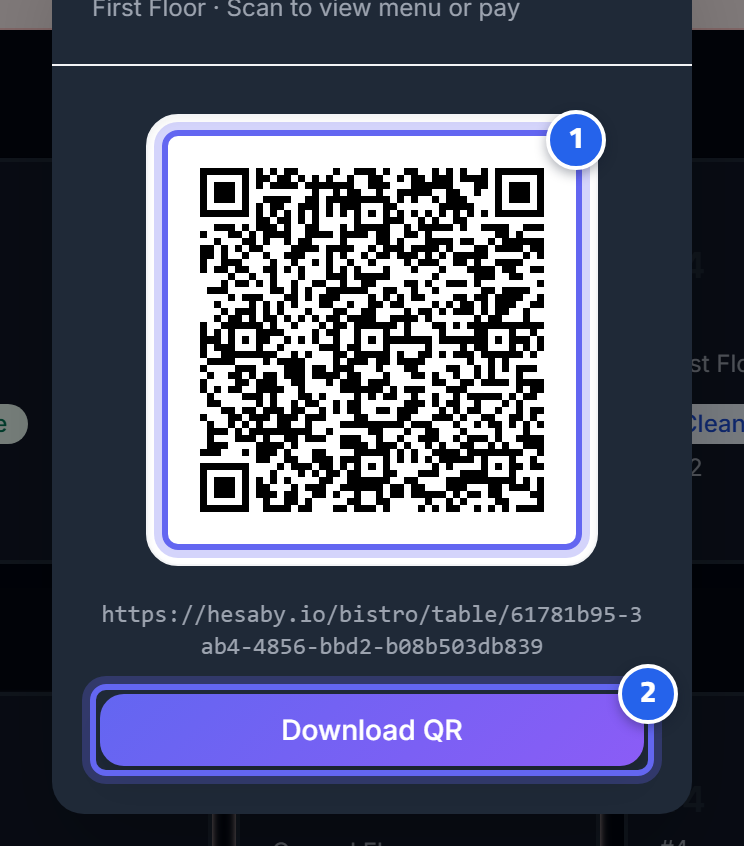
- The table's QR code — the customer scans it with their phone
- Tap "Download QR" to save it as an image and print it
Steps
- Admin Panel → Tables.
- For each table, print its QR code.
- Stick the code on the table (or on a small stand).
Important
- Each code is linked to its table — so orders and payments go to the correct table automatically.
- If you change the table arrangement, reprint the codes so they match.
Next: Transfers and Closing