Purchase Orders and Receiving
A purchase order (PO) documents your order from a supplier, and receiving adds the quantities to inventory and updates the cost.
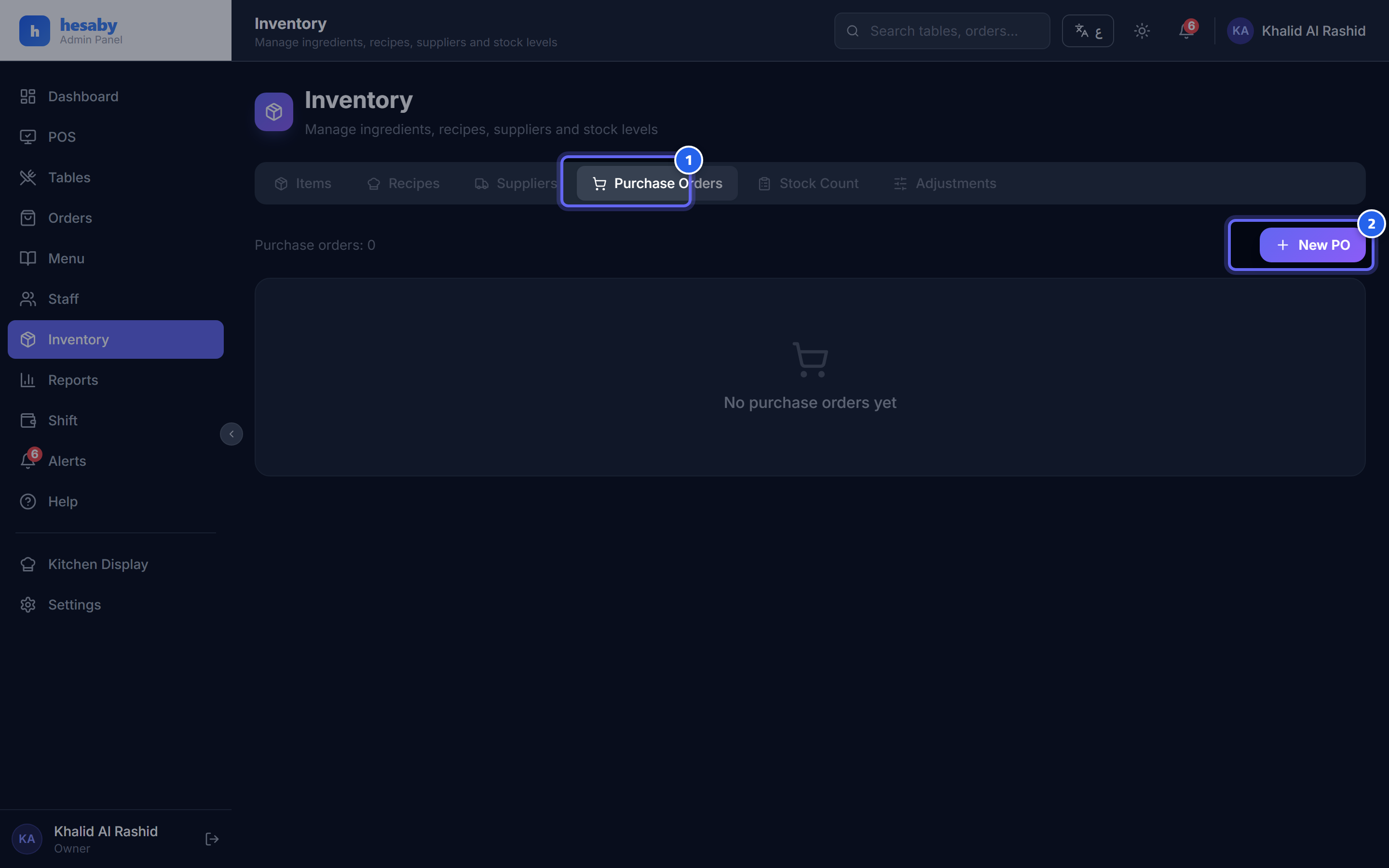
- The purchase-orders tab
- Tap "New Purchase Order" to order goods from a supplier
Creating a purchase order
- Admin Panel → Purchase Orders → New.
- Choose the supplier, and add the items with the quantity and unit price.
- Save (it's created as a draft).
Receiving
When the goods arrive: 1. Approve the purchase order, then receive it. 2. The quantities are added to inventory automatically. 3. The unit cost is updated using a weighted average — that is, it blends the old price with the new one, so the cost stays realistic (not skewed by an unusual order).
Safeguards
- Receiving happens once — if you tap it twice by mistake, the quantity is not added twice.
- Incompatible units trigger a warning instead of corrupting your inventory.
Next: Inventory adjustments