Logging in
In Hesaby there are two ways to log in, depending on the device and role: the screen code, which unlocks the device and sets its role, and the personal PIN, which identifies the staff member themselves. Let me break them down.
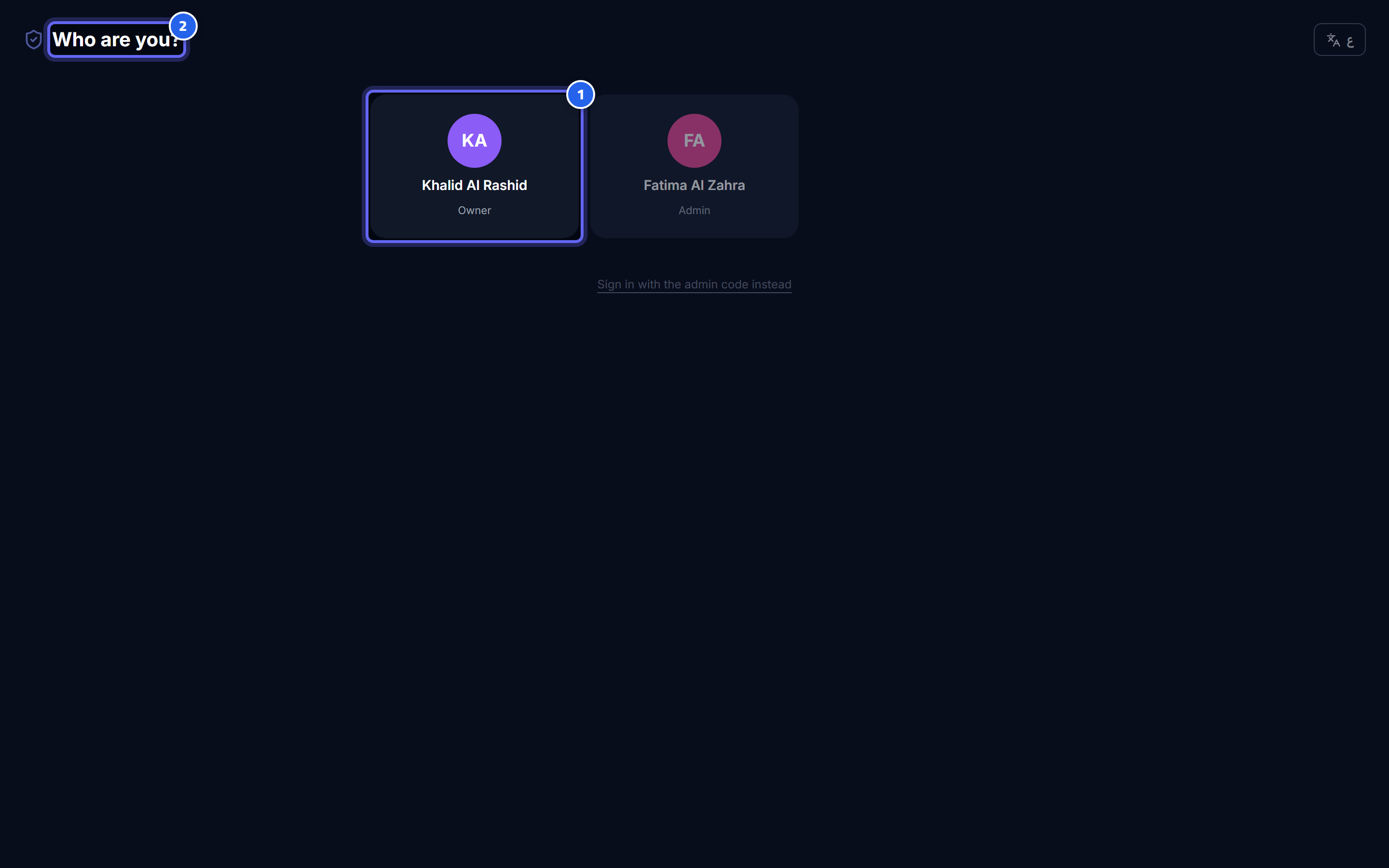
- Pick your name from the list to log in with your personal PIN
- This is the staff selection screen that determines who is logging in
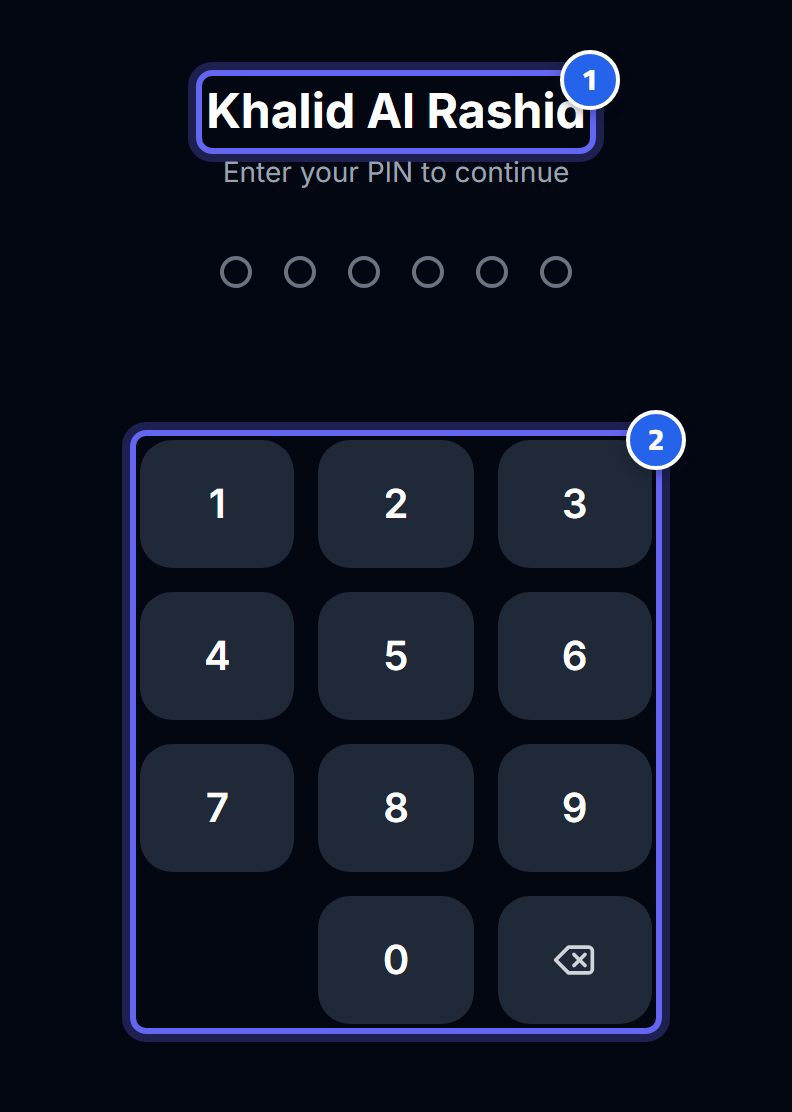
- Confirm this is your selected name before you type your PIN
- Type your personal PIN on the number pad
The difference between the screen code and the personal PIN
| Screen code | Personal PIN | |
|---|---|---|
| What does it identify? | The device and its role (admin / kitchen) | The staff member (who they are) |
| Shared or individual? | Shared by everyone on that device | Private to each staff member |
| Who uses it? | The device that opens the Admin panel or the Kitchen Display System | The waiter, cashier, manager, driver |
1) The screen code (for shared devices)
Shared devices unlock with a numeric code for the restaurant:
- On the admin screen, enter the admin code → the Admin panel opens.
- On the kitchen screen, enter the kitchen code → the KDS screen opens.
🔒 Security: the admin code is shared and carries no personal identity, so every time someone logs in with it to the Admin panel, an "admin code login" alert is recorded in the notification center. If you see a login alert you don't recognize, change the code immediately from Settings → Security and enable personal login.
2) The personal PIN (for each staff member)
Waiters, cashiers, managers, and drivers log in by selecting their name from the list + entering a personal PIN:
- Personal login lets the system know who did what (important for reports and auditing).
- Suspending an account cuts off access immediately, even if the device was already logged in.
Lockout after failed attempts
To protect the account from guessing, any account (or screen) gets locked after 8 failed attempts:
⚠️ After 8 failed attempts, the account is locked for exactly 15 minutes, after which it unlocks on its own. There's no need to wait longer — just make sure you're entering the correct code.
Common error messages
| Message / state | What it means |
|---|---|
| locked | The account or screen is currently locked — wait until the 15 minutes are up. |
| noAdminAccess | The PIN is correct, but this role is not allowed to access the Admin panel (such as a driver or a regular waiter). |
| Login is rejected with no reason | The name/PIN is wrong, or the account is suspended — check with your manager. |
Forgot your PIN or admin code?
- A staff member forgot their PIN: the manager resets it from Staff.
- The owner forgot the admin code: it is reset through the operator/technical support that manages the server.
💡 Tip: as soon as you set up the system, change all the default codes and make them hard to guess.
Next: Roles and permissions