Inventory Adjustments
An adjustment manually changes the balance of an inventory item — for cases like waste, breakage, or an opening balance.
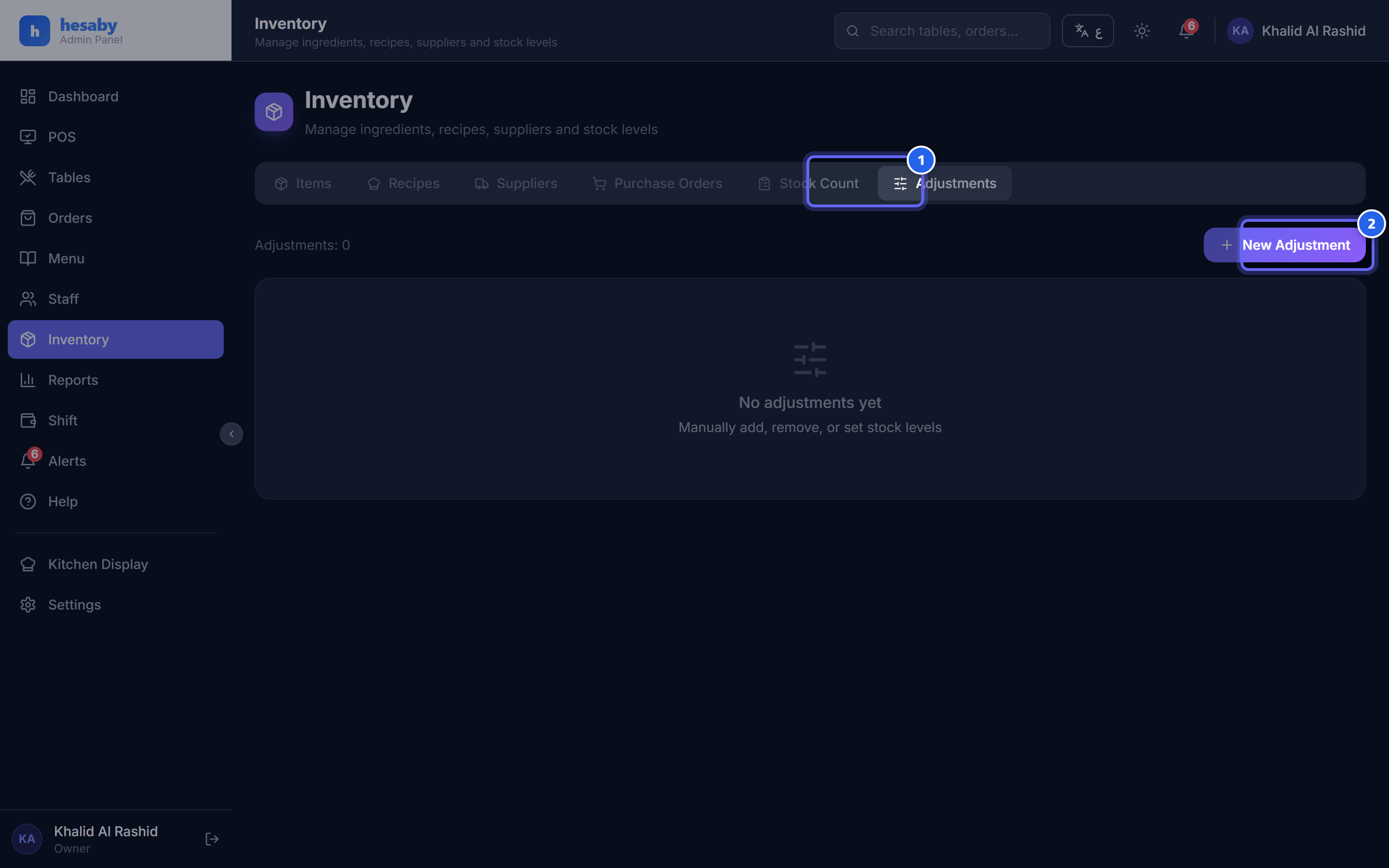
- The adjustments tab
- Tap "New Adjustment" to adjust an item's balance (damage/waste/correction…)
Steps
- Admin Panel → Inventory → select the item → Adjustment.
- Choose the type:
- Add (+): receiving outside a purchase order, or an opening balance.
- Deduct (−): waste, breakage, spoilage.
- Set (=): set the balance to a specific number.
- Enter the quantity and the reason.
- Save.
Permanent trace
Every adjustment is logged (who, when, quantity, reason, balance before/after) — for auditing and to prevent tampering.
Note
It's best to have most inventory changes flow through stock counts and purchase orders (the automated paths), and keep adjustments for exceptional cases only.
Next: Backups