Void/Comp Report for Loss Prevention
Every action that can reduce revenue is recorded in a permanent log — so you can detect any tampering or loss.
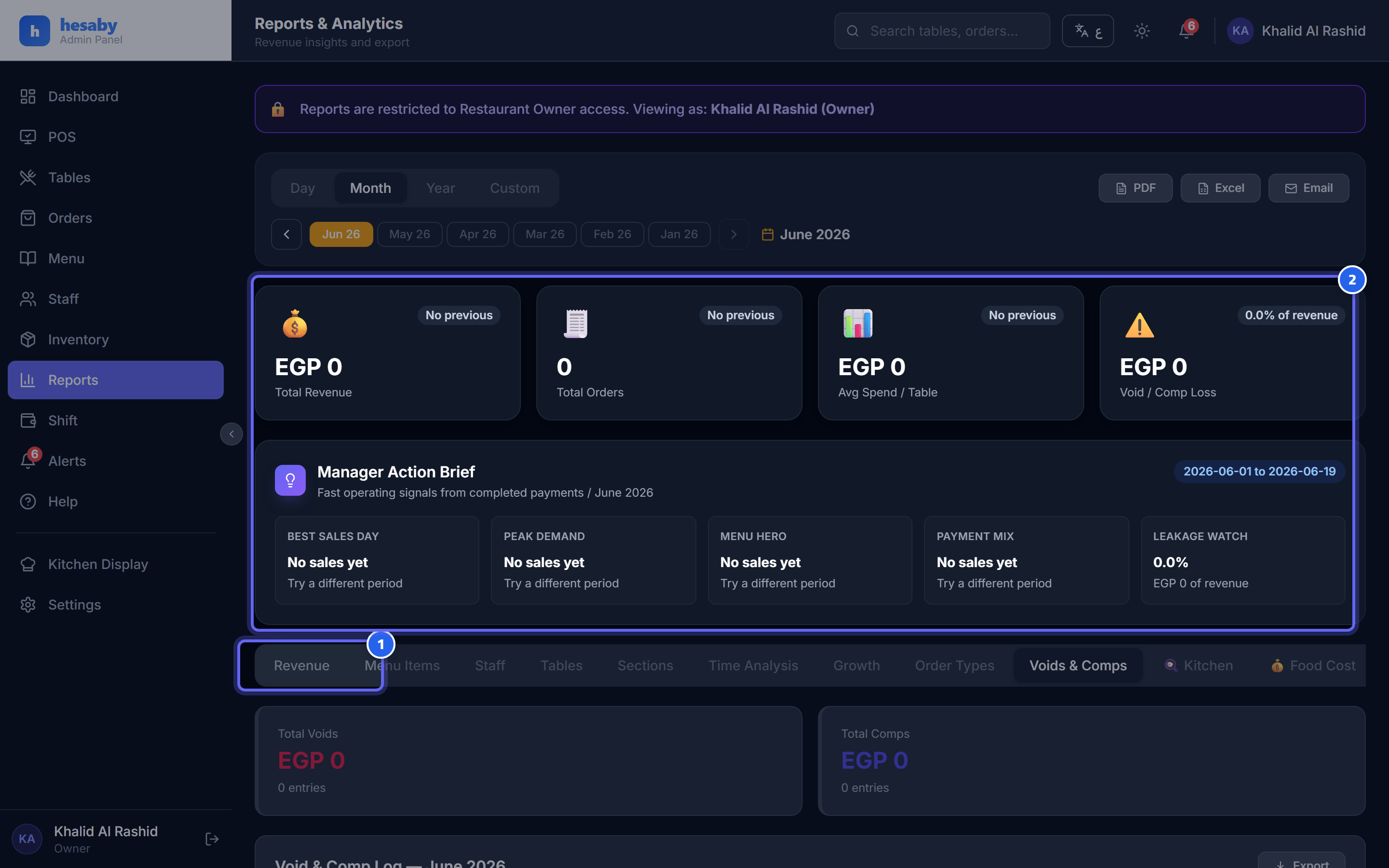
- Open the "Voids and Comps" tab
- A log of every void/comp: who did it, the reason, and the amount lost
What it includes
- Voids and comps (voiding/comping items).
- Order cancellations (full cancellation or forced closure).
- Reductions to paid orders.
For each action you see
- Who did it and when.
- The amount and the reason.
- Who approved it (if manager approval was required).
Why this matters
A common theft pattern: an employee takes a cash order, voids it, and keeps the money. This permanent log exposes that pattern — and every void leaves an indelible trace.
The log cannot be edited or deleted — not even by an admin — so no one can hide an action.
Next: Inventory