Stock Count
A stock count compares the actual balance (what you count by hand) with the theoretical balance (what's in the system) — so you can detect discrepancies (waste/theft/errors).
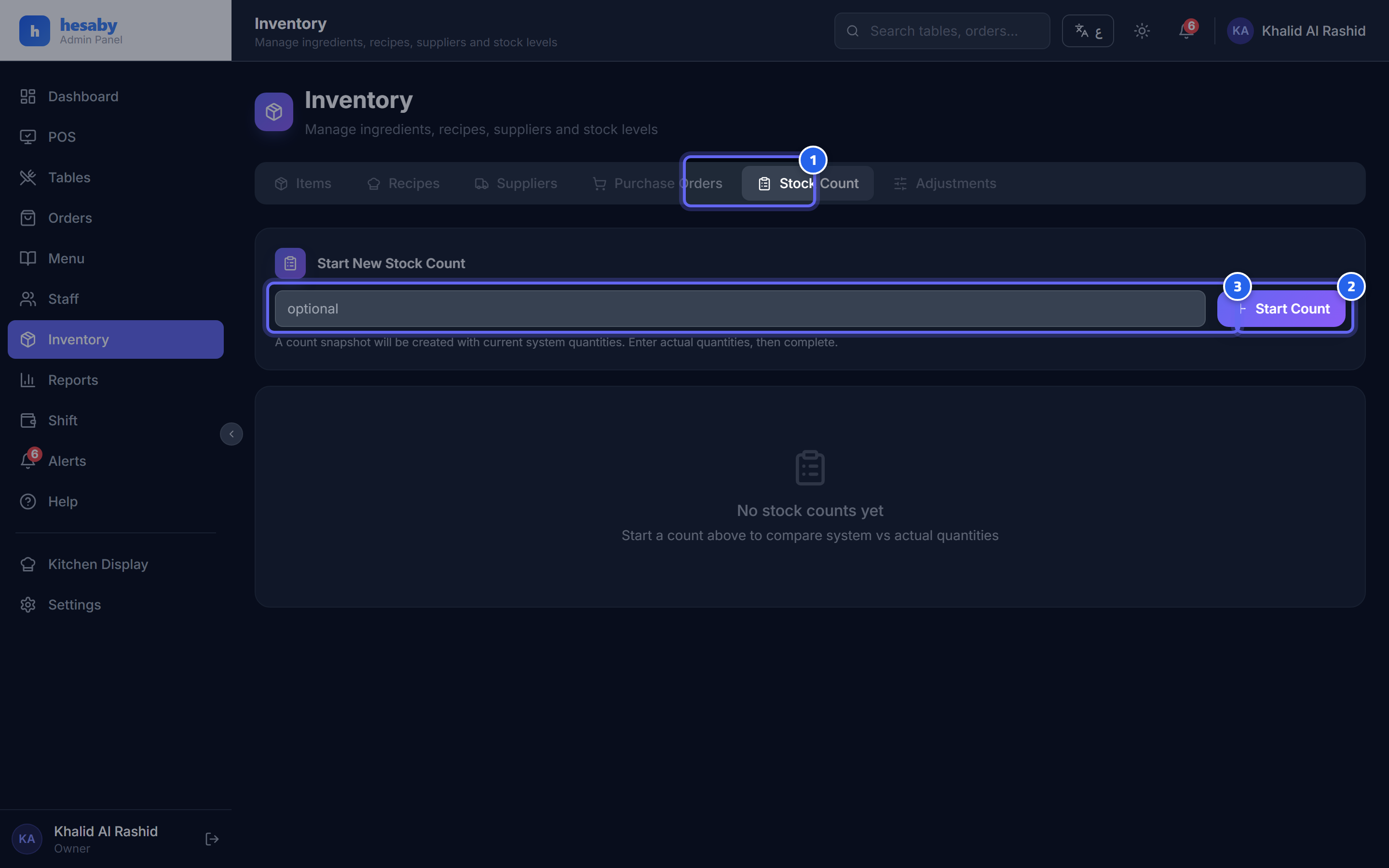
- The stock-count tab
- Tap "Start Count" to begin a counting session
- An optional note for the count
Steps
- Admin Panel → Inventory → New Count.
- The system prepares a list of all your items with the current theoretical balance.
- Count the actual quantities and enter them in the Actual field.
- The system calculates the variance for each item.
- Complete the count → it updates the inventory balance to the actual figures.
Important tip
Do the count at a quiet time and finish it quickly — so that sales/receiving during the count don't throw off the numbers.
Next: Purchase orders