Recipes: Linking Items to Inventory and Calculating Cost
A recipe links a menu item to its inventory ingredients — so as soon as the item is sold, the ingredients are automatically deducted from inventory, and you can know the food cost and profit margin.
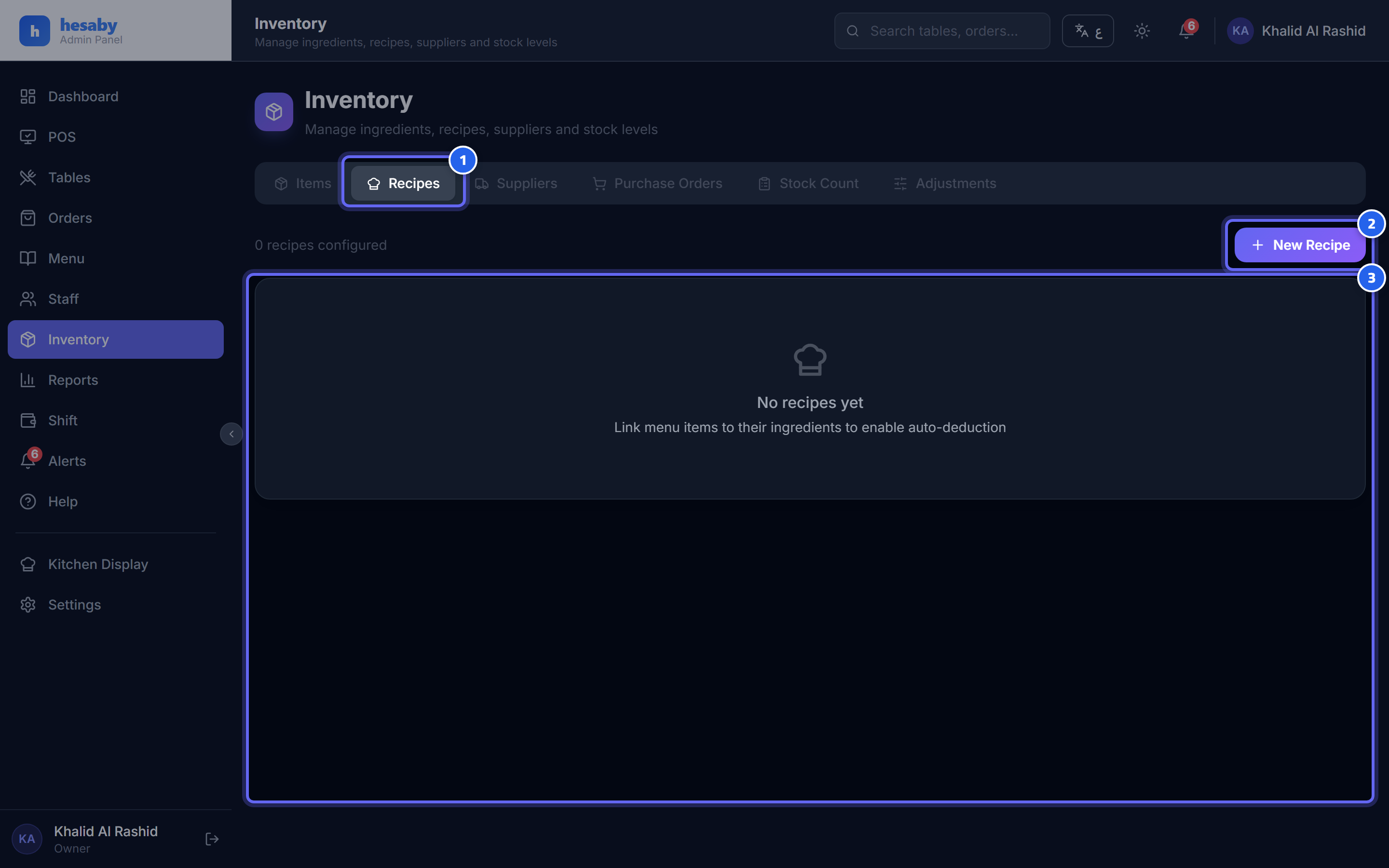
- The recipes tab
- Click "New Recipe" to link an item to its ingredients
- Each recipe links a menu item to its ingredients and calculates its cost
Creating a recipe
- Admin panel → Recipes (or from the item screen).
- Choose the item (and the size, if it has sizes).
- Add the ingredients from inventory, and set the quantity and unit for each ingredient (for example: 150 g flour, 50 ml milk).
- Save.
Important notes
- The unit must be convertible to the ingredient's storage unit (for example, if the ingredient is stored in kilos, use g/kg — not "piece"). The system will reject an incompatible unit so the calculation is not corrupted.
- Ingredients are deducted when the order is placed; and if an order is voided before the kitchen starts, the ingredients are returned to inventory.
- Cost is calculated using the weighted average from purchase orders.
Next: Restaurant Settings